Upload fileMP3 · MP4 · WAV
 Drop audio or videoOr click to open uploadChoose file
0%Ready
No sign up required, Free to start
Upload audio or video, get an editable transcript with speaker labels and timestamps, then export when it is ready.
Drop audio or videoOr click to open uploadChoose fileNo sign up required, Free to start

 Who it is for
A focused path from file to finished transcript for students, creators, journalists, and teams who ship from recordings.

Turn lectures and study recordings into searchable notes you can skim and quote.
Repurpose podcast and video recordings into captions, blogs, and show notes.

Transcribe interviews faster and pull accurate quotes without re-listening.

Convert clinical dictation into draft documentation you can review and export.
Why File TranscribeNot a bloated editor or a generic AI chatbot, just what you need to turn a recording into text you can ship.
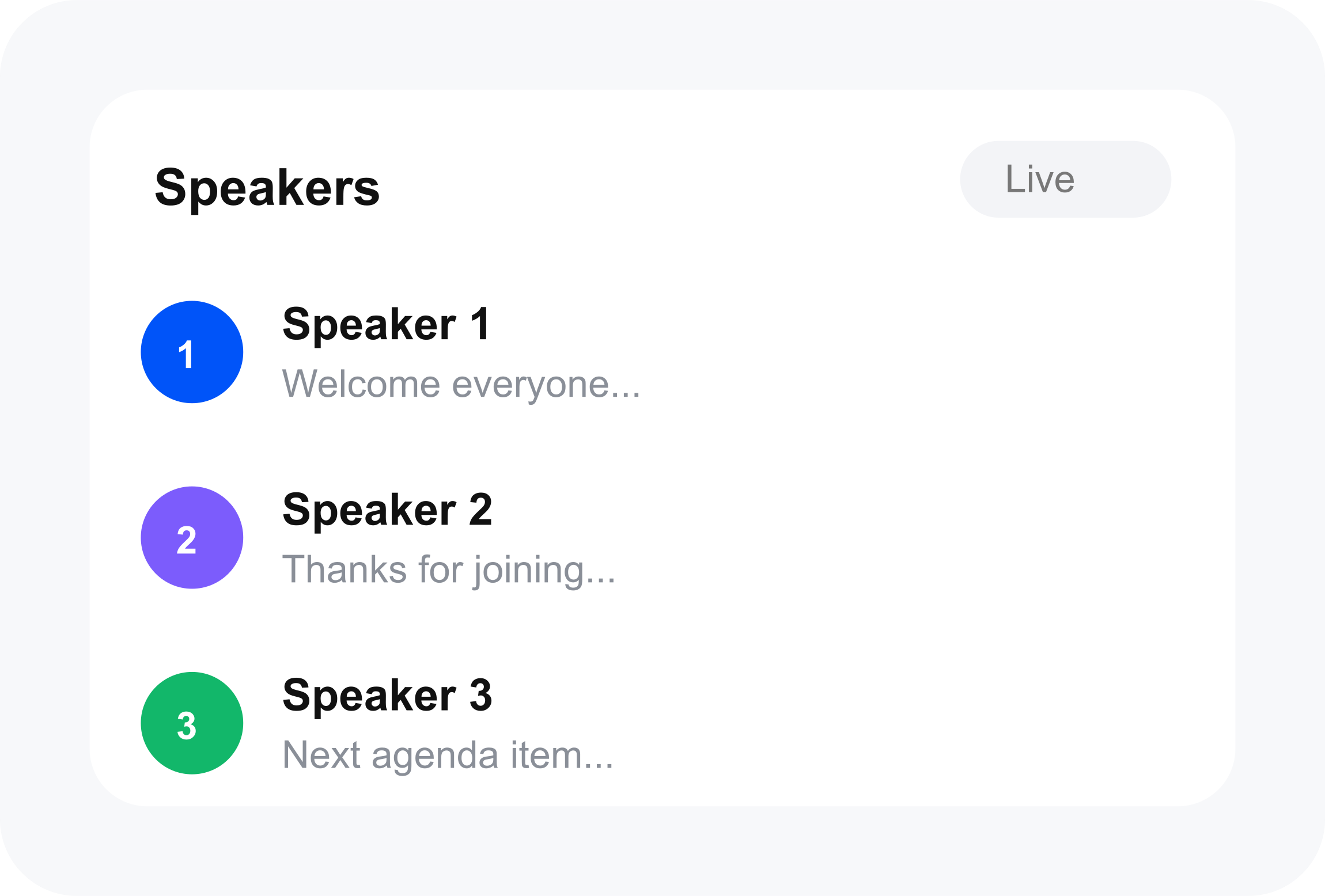
See who said what, built for interviews, podcasts, and multi-voice recordings.
Jump to any moment from the transcript.
Transcribe on the homepage before you create an account.
Guest uploads auto-delete after 24 hours. Your library stays yours when signed in.
 How it works
Three steps, no learning curve, no clutter. Just the path from recording to usable text.
PricingStart free. Upgrade when you need longer files, captions, or more monthly minutes.
 50 minutes of audio a monthUp to 30 minutes per fileLibrary, TXT export, searchSpeaker labels & timestampsAbout 2,000 minutes a monthLonger recordingsSRT / VTT captionsAI summaries & translateEverything in ProAbout 5,000 minutes a monthLonger retentionPriority support Formats & limits
Zoom exports, phone memos, podcast masters, or camera footage. Guest tryouts and free accounts for longer files.
From the fieldReal workflows: interviews, lectures, podcasts, and client deliverables.


I used to scrub a two-hour interview just to pull three quotes. Now I upload the WAV, search the transcript, and I'm done before lunch.

I record every lecture on my phone. Dropping those files here is the only reason I have notes I can actually study from.

Field interviews are messy. Speaker labels + timestamps mean I can find the exact line without listening twice.

After client calls I export the Zoom audio, run it through File Transcribe, and send a clean transcript the same afternoon.

Captions used to eat a whole evening. With speakers and timestamps I cut SRT edits roughly in half for my YouTube uploads.
From the blogPractical transcription workflows for creators, students, and teams.
How to try the File Transcribe caption editor: open Subtitles, start from a recording or an SRT, edit against the video, and export when your plan includes it.
Read moreBest free caption editor in 2026, split into no-signup text fixes, YouTube Studio, and free desktop apps. Paid export is called out where it is paid.
Read moreBest caption editor in 2026 for fixing timed text on a real video, not just generating a first draft. File Transcribe is the file-first pick.
Read more FAQYes. You can upload and transcribe without an account. Guest users get 2 transcriptions per day (up to 15 minutes of audio), 10 minutes per file, and up to 100 MB per upload. Create a free account for saved transcripts, SRT/VTT export, and higher limits.
Common audio formats (MP3, WAV, M4A, FLAC) and video formats (MP4, MOV, WEBM, and more). Guest uploads can be up to 100 MB; paid plans allow larger files.
Accuracy depends on audio quality, accents, and background noise. Clear speech typically produces strong results. Always review and edit the transcript before publishing or sharing.
50+ languages with auto-detect and multilingual code-switching. Select a language in the upload options or let the system detect it automatically.
No. The homepage works without sign-in. An account lets you save transcripts, search your library, export SRT/VTT, and transcribe longer files.
Get startedDrop a file above, no signup needed. When you are ready to save and search your work, create a free account.
Popular podcasts
Real transcripts from podcasts millions already follow: speaker labels, timestamps, and the kind of clean output creators reach for when audio needs to become something you can search and share.
 1h 18m
If I Wanted To Become a Millionaire in 2026
View transcript → 1h 26m
The Mark Zuckerberg Interview
Ben Gilbert · uses transcripts like these
 33 min
Master Your Sleep & Be More Alert When Awake
View transcript → 15 min
Inside the Government’s 80-Year Cover-Up of UFOs and Aliens
View transcript → 1h 35m
Simon Sinek: The Number One Reason Why You’re Not Succeeding
Steven Bartlett · uses transcripts like these